Updates
 Updates
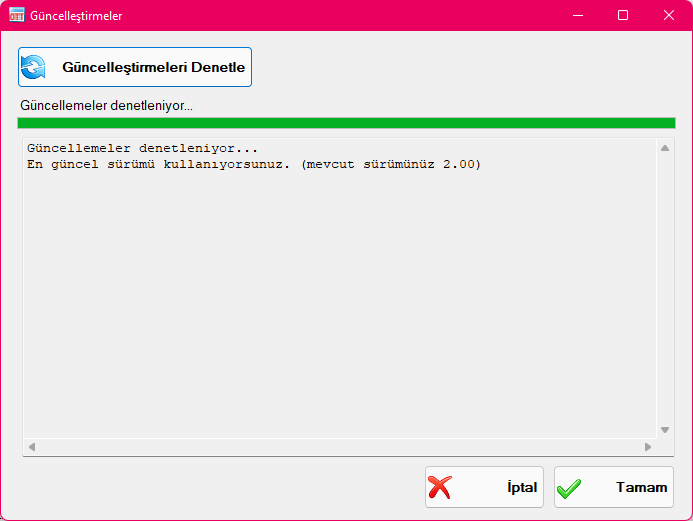
Use the Updates feature to check whether a newer version of the application has been released, and to download and install updates effortlessly. If you are already running the latest version, a message confirms that your software is up to date. When an update is available, the new version number and a summary of changes and new features will be displayed. Click the "Update" button to automatically download and upgrade the application.
Created with the Personal Edition of HelpNDoc: Free HTML Help documentation generator