Why did this app fall from the roof?
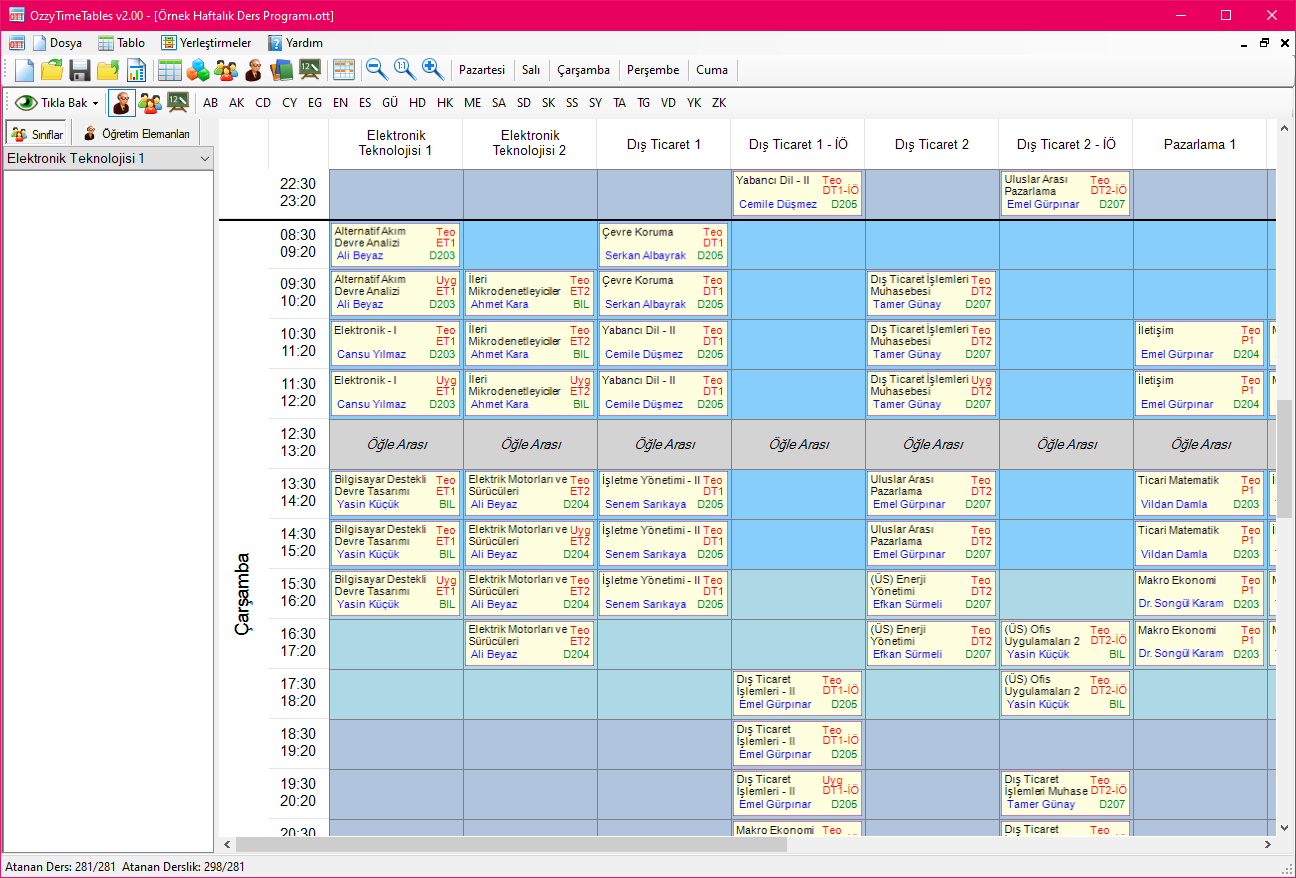
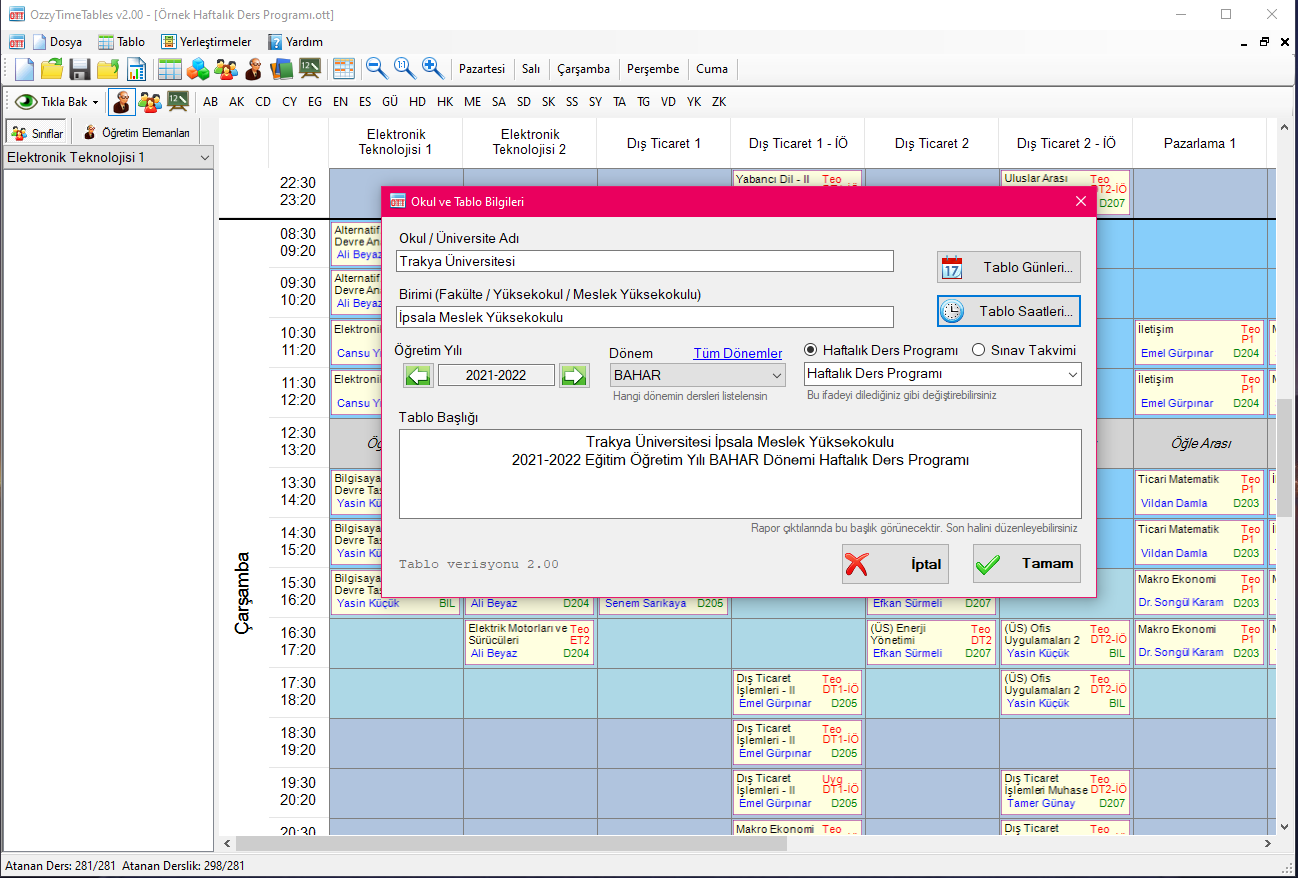
OzzyTimeTables is a weekly course schedule and exam calendar preparation application especially for Faculties, Colleges, Vocational Schools. Easily prepare your Weekly Course Schedule and Exam Calendars, print out HTML, Word, Excel, PDF, publish and announce them individually or collectively.

OzzyTimeTables v2.11 Released
Oct. 19, 2026, 2 p.m.
Note: If the update does not download automatically, you can download and install it manually from http://ozzytimetables.com/download.
Bug Fixes in OzzyTimeTables v2.11
-----------------------------------------------------
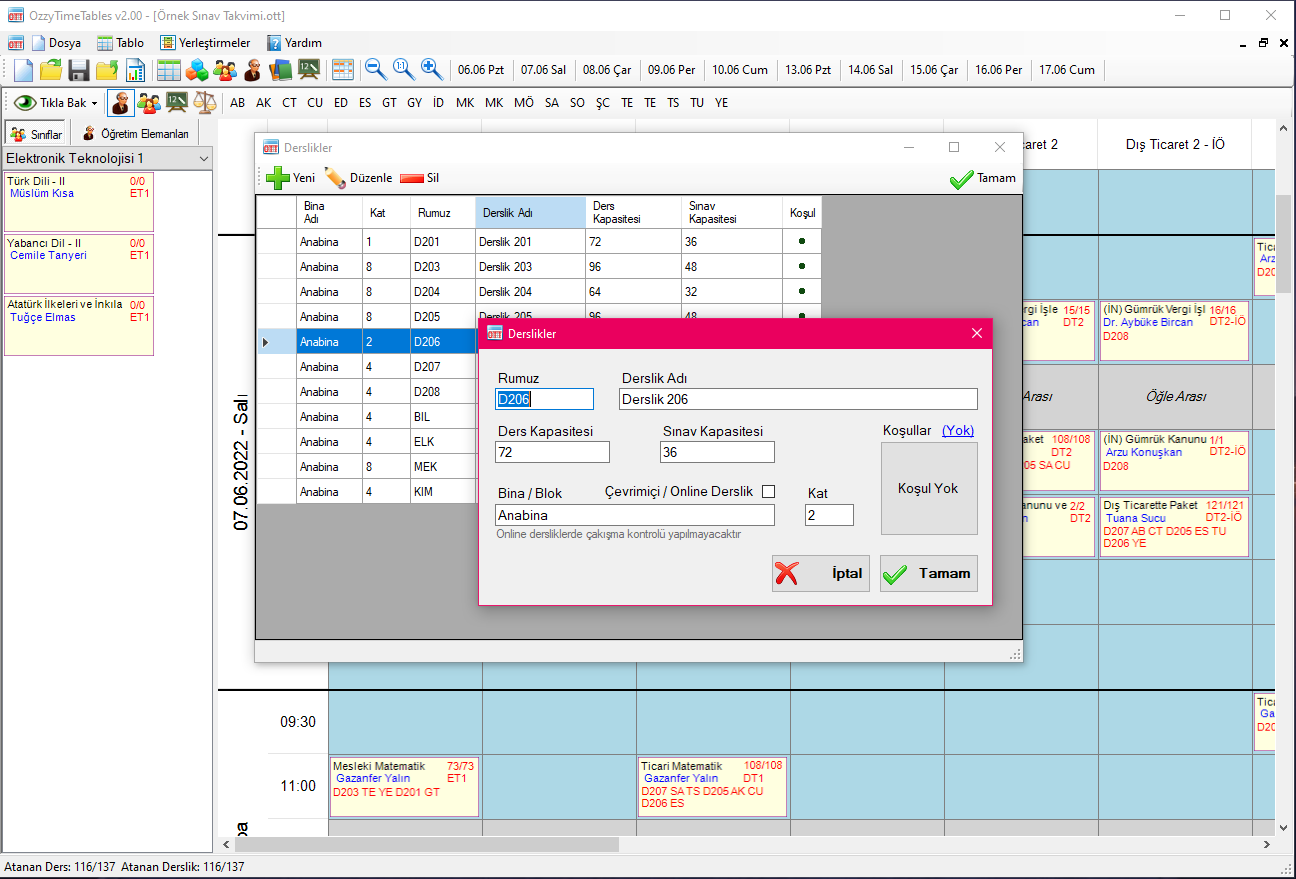
+ Fixed an issue introduced in the v2.10 update where classroom availability was not functioning properly.
+ Fixed a sizing issue with the watermark in PDF report outputs.
+ Resolved an issue related to automatic update downloads.
New Features in OzzyTimeTables v2.11
-----------------------------------------------------
+ In PDF outputs, the document creation date and copyright information have been moved to a footnote at the bottom of the page.
+ The document creation date and copyright information have been removed from HTML, Word, and Excel report outputs.
Translated with DeepL.com (free version)
Features of the App
- Designed for Faculties, Colleges and Vocational Schools
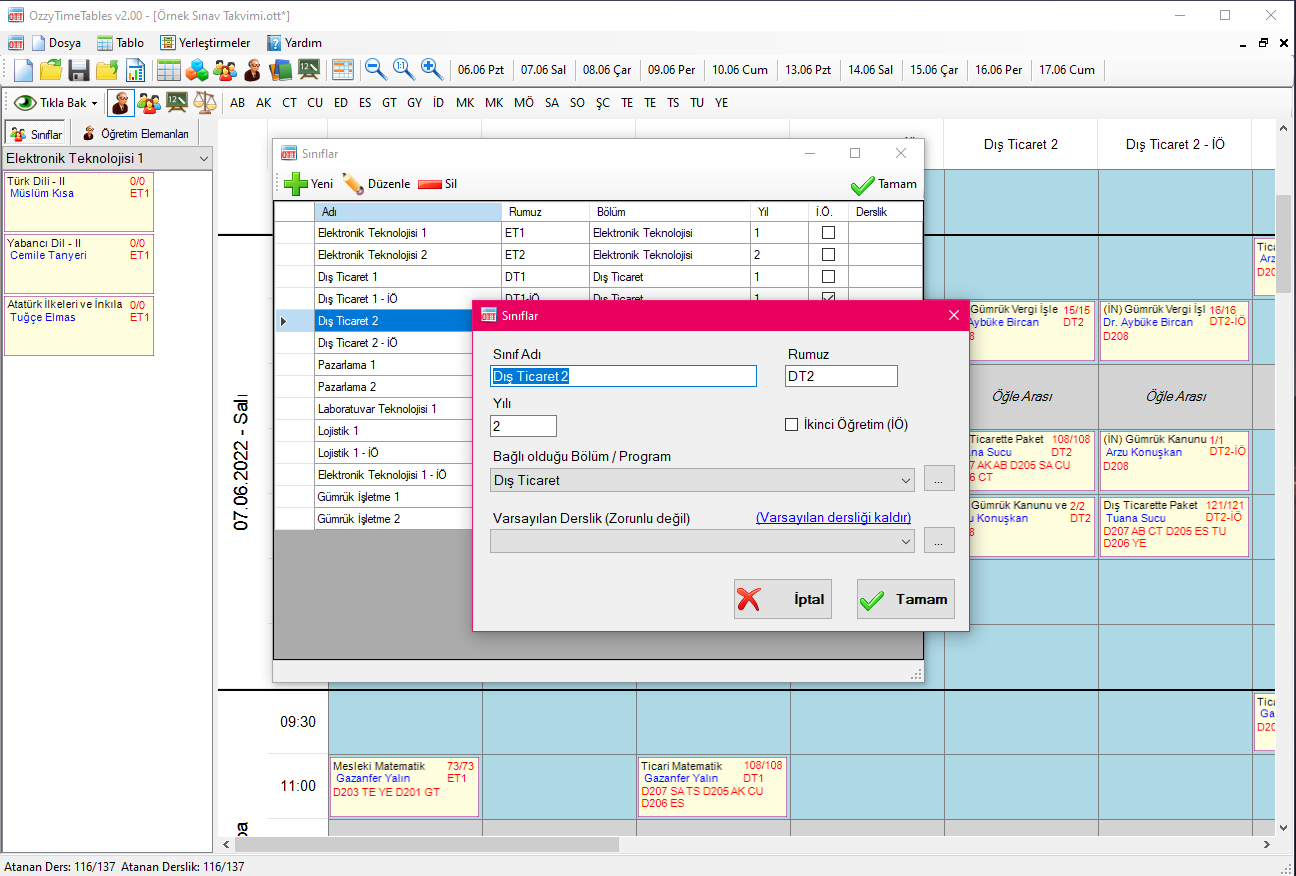
- Simple, intuitive interface and drag-and-drop for easy operation
- While preparing a table, you can quickly check the latest status of lecturers, classrooms and classrooms
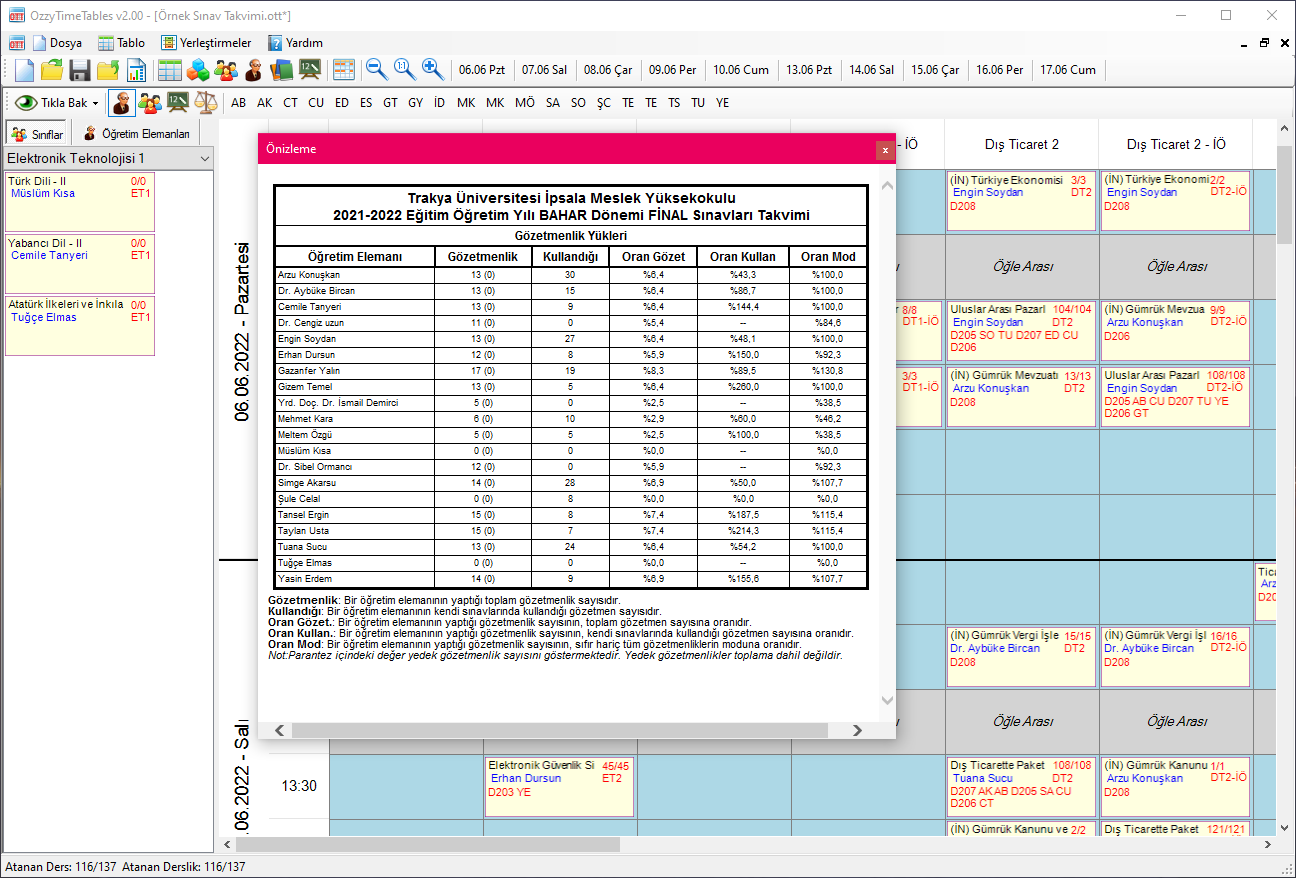
- When preparing an Exam Calendar, proctoring load distributions can be monitored instantly
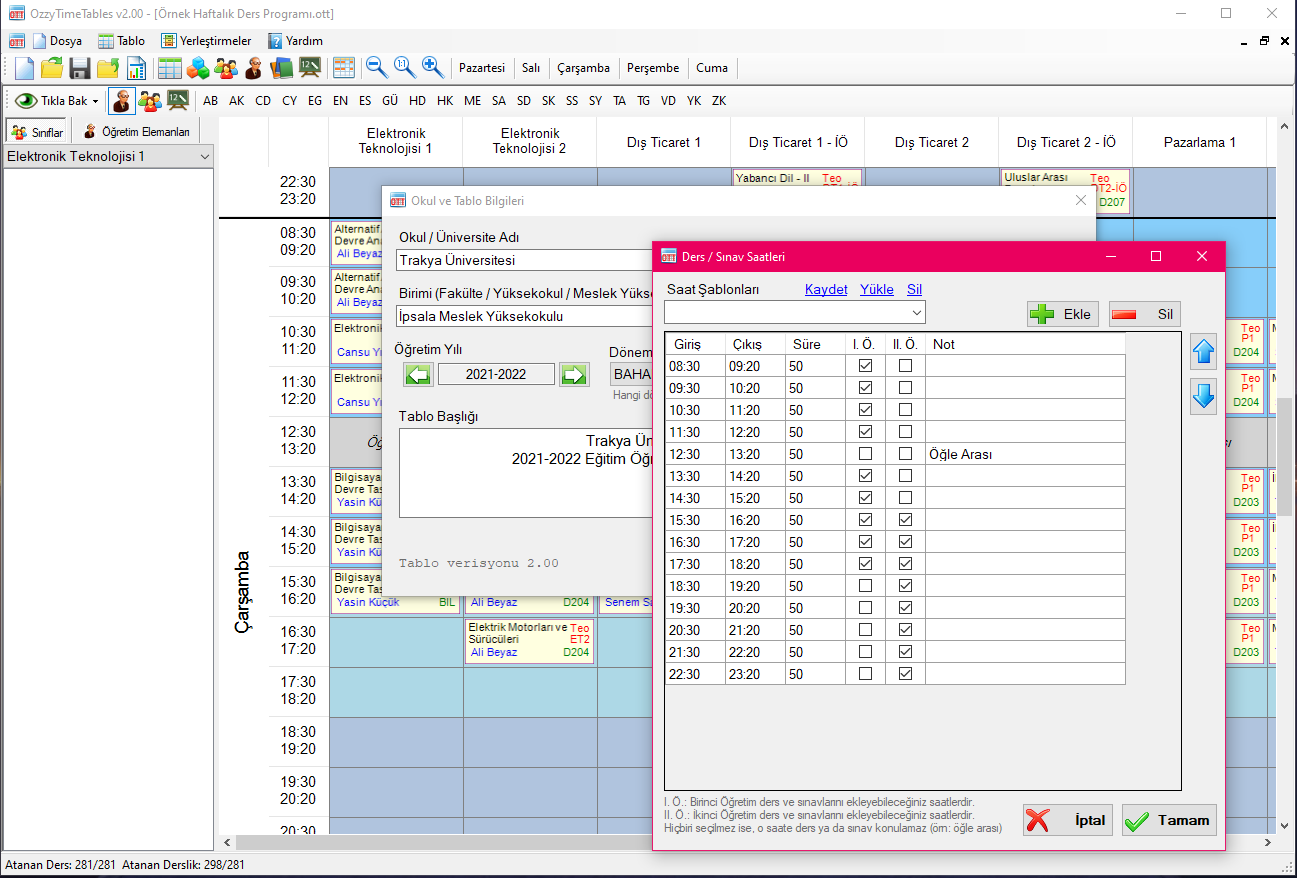
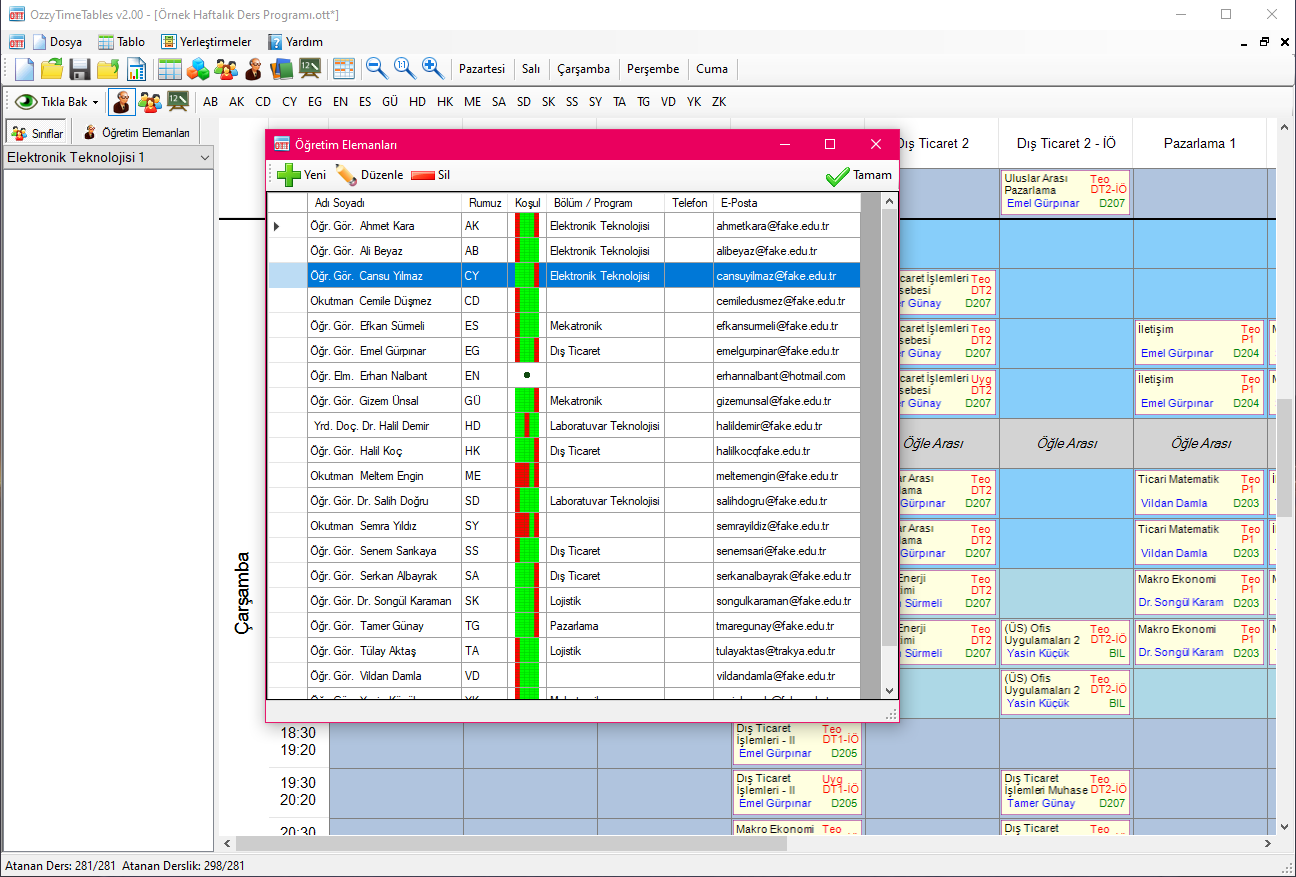
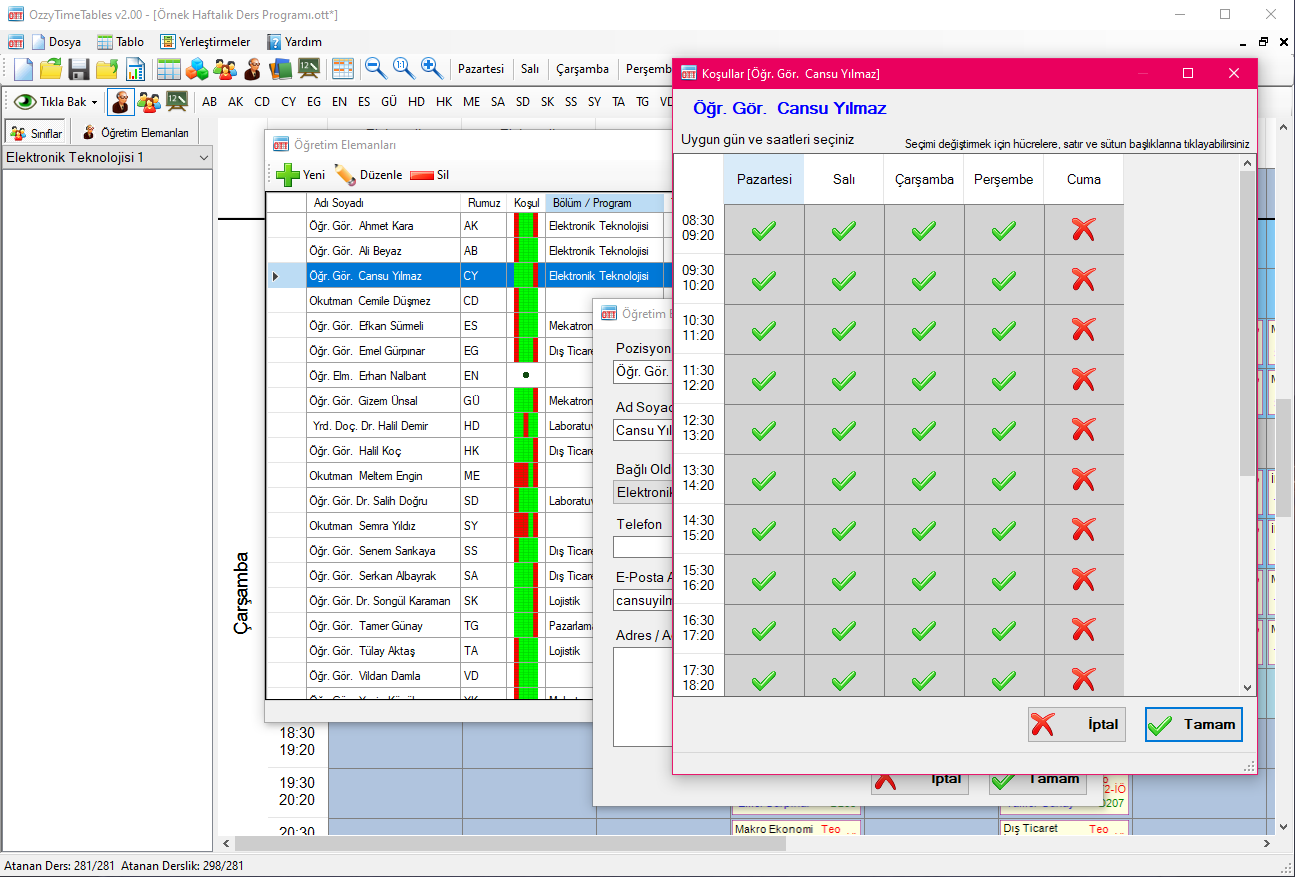
- Determine days and times when teaching staff and classrooms are and are not available
- Instructor and Classroom conflicts are not allowed, minimizing the possibility of making mistakes
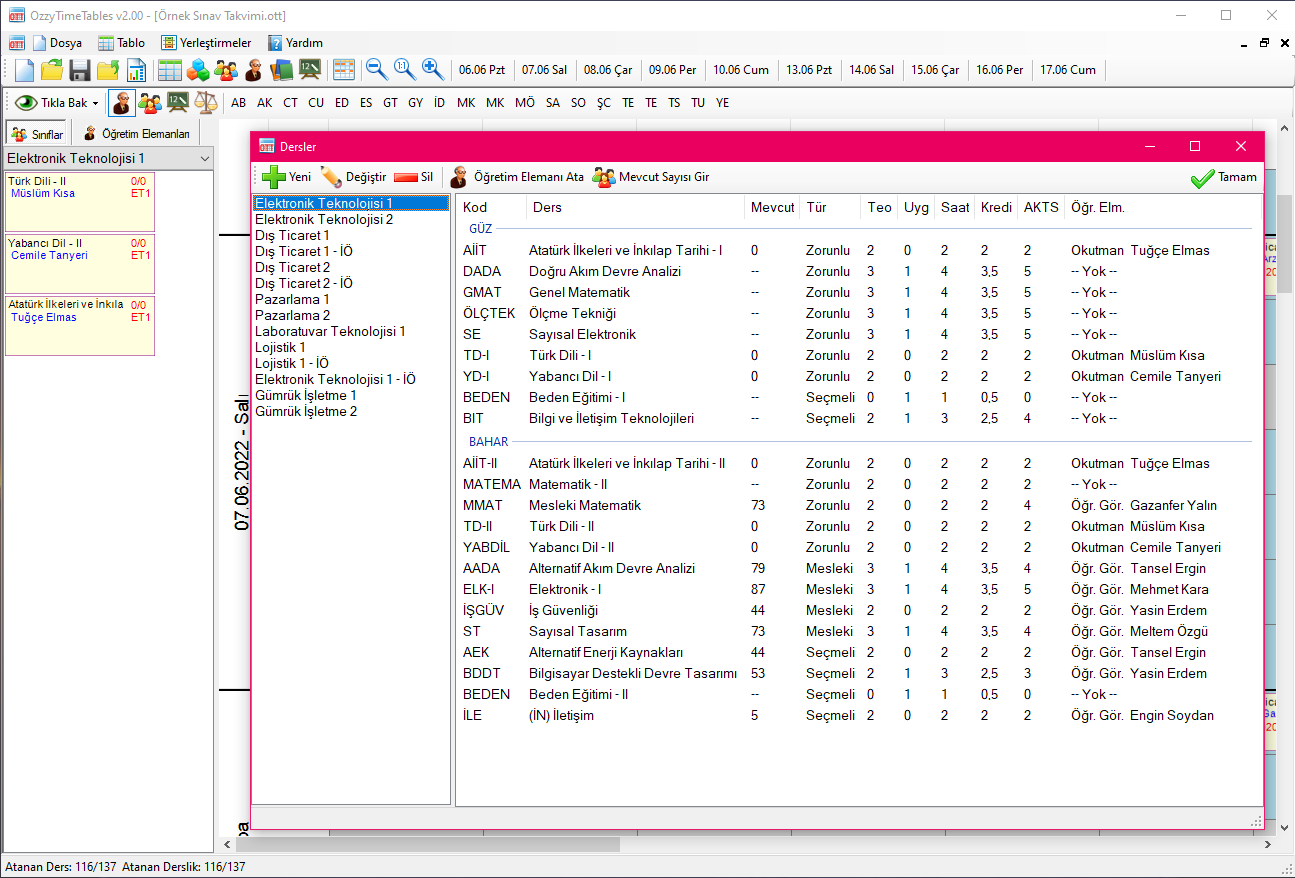
- All data can be easily and collectively entered via Excel
- You can export all your data to Excel file
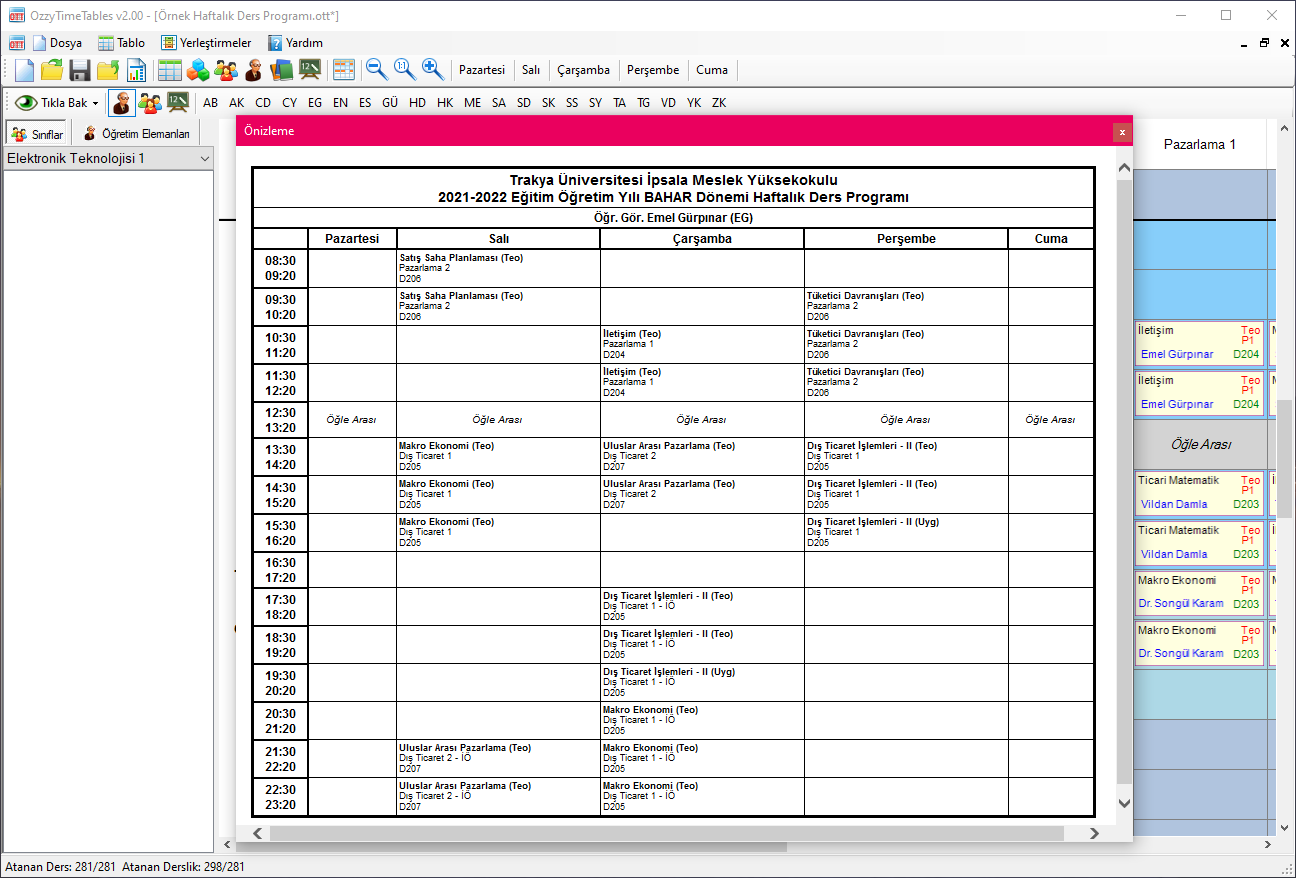
- You can export your program to Excel file
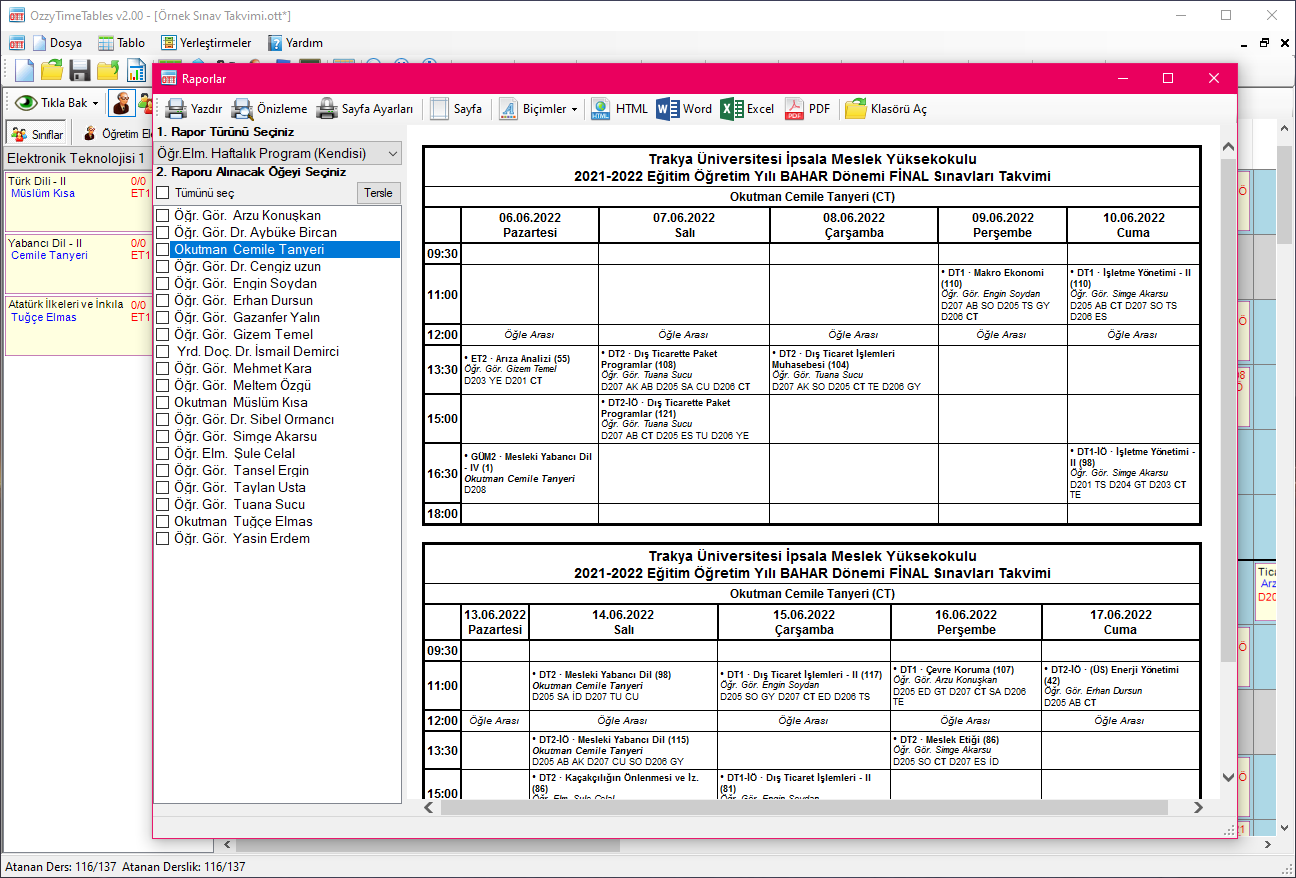
- You can save reports in HTML, Word, Excel, PDF file formats
- Offers options to save or print individual or batch output for reporting and posting
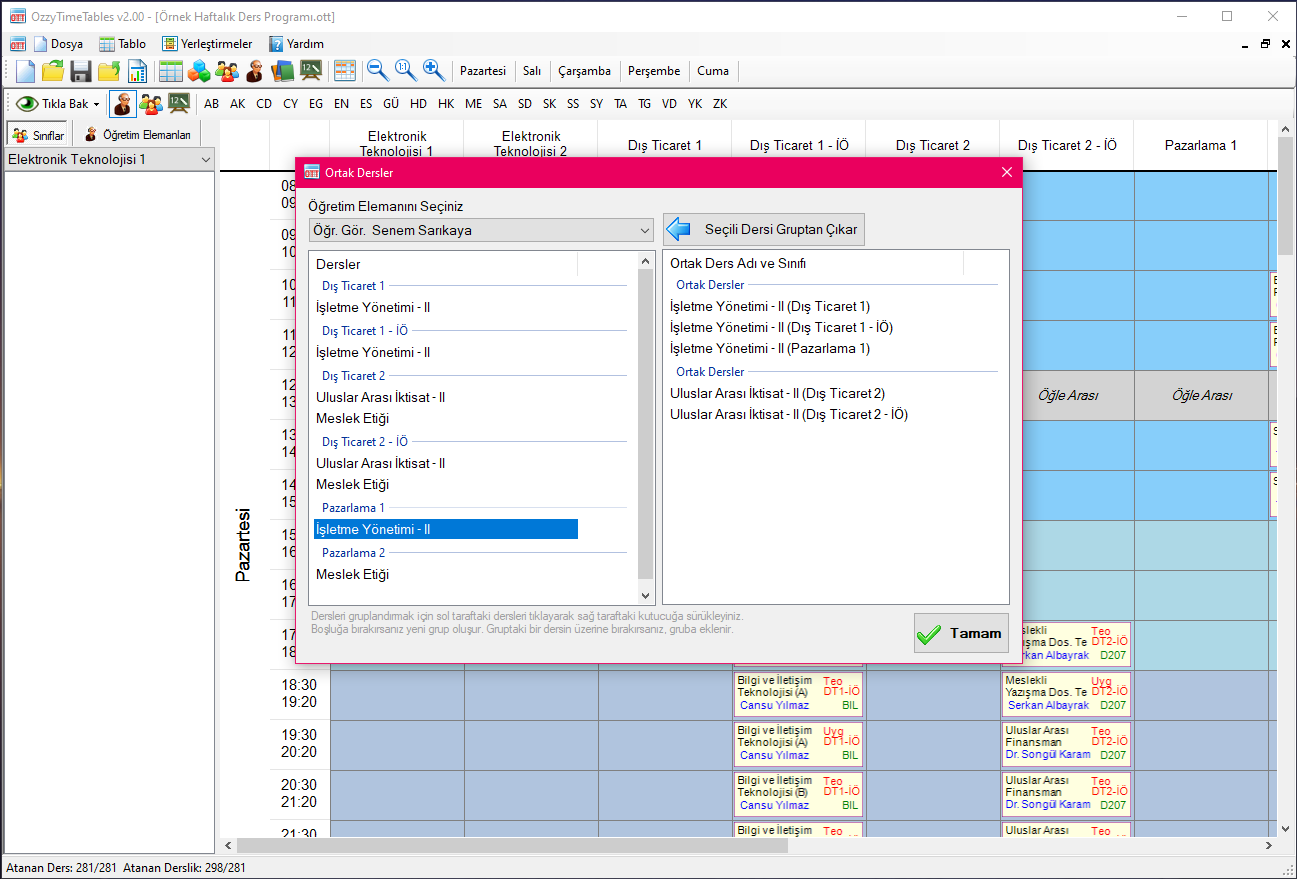
- Department, program, course, instructor and classroom information can be easily transferred from previous programs
- With automatic update, you can easily update when a new version is released.
Compatible Operating Systems and MS Office versions
- Windows 8, Windows 8.1, Windows 10, Window 11 operating systems with 32 and 64 bit versions.
- Microsoft .NET Framework 4.8 is required. (If not installed, it will be requested to be installed with the installation)
- Can work with MS Office 2013, MS Office 2016, MS Office 2019, MS Office 2022, MS Office 365.
Note: It is not mandatory to have Microsoft Office installed. The Office application is only needed to process data with Excel and to receive Word and Excel report output files.
Sample Screenshots of the App